

Guide to Receiving and Verifying Certificates
Credibility in your hands; RoboNIT certificates are lifelong and digitally signed.
How do I receive my certificate?
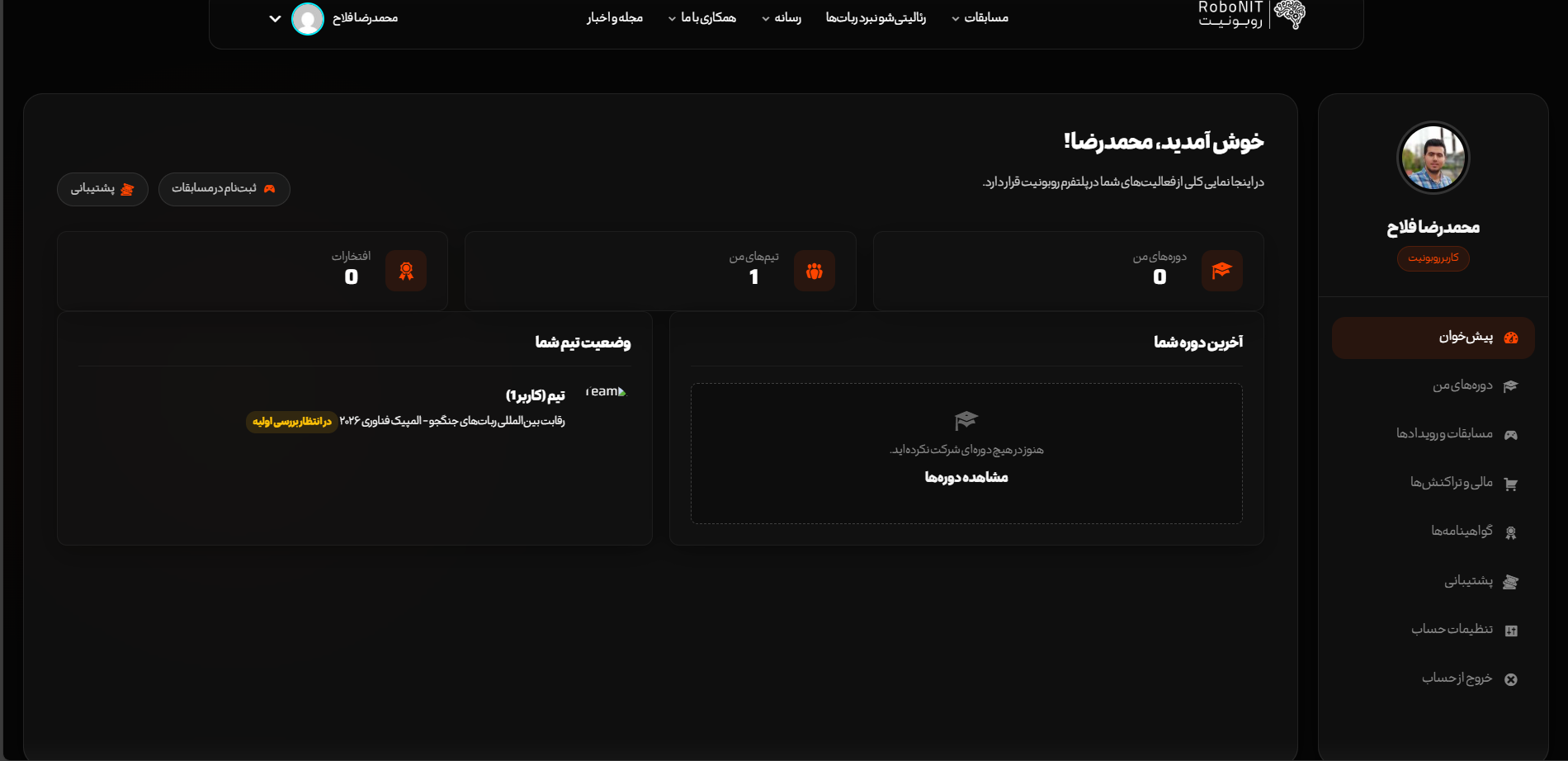
After completing the course or competition, log into your user panel. All your certificates are listed in the "Honors and Certificates" tab. By clicking the "View and Print" button, the web version of the certificate opens, which you can save as a PDF or print directly.
How do I verify the authenticity of a certificate?
Each certificate has a Unique Code (Hash ID) and a QR Code. For quick verification, simply point your mobile camera at the QR Code. You can also enter the code printed on the certificate in the box below: